
From Signup to Service
How providers get started with Care-Linx.
A clear provider workflow helps reduce confusion and gives providers a practical path from profile setup to approved bookings.


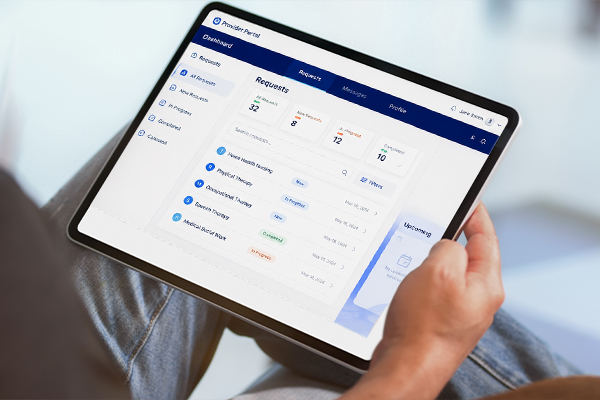
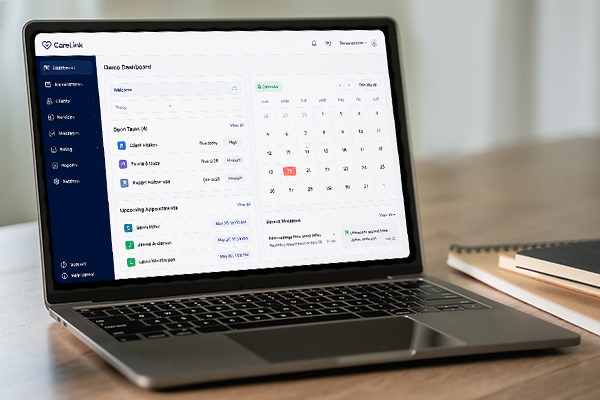
Provider Portal
One place to manage the work.
Care providers often have to manage care details across calls, texts, calendars, notes, and separate systems. Care-Linx brings the key parts of the provider workflow into one organized portal.
From profile setup and booking requests to service dates, communication, reviews, and payouts, the provider portal helps keep care activity easier to follow.
Manage profile details and service information
Keep availability and service dates easier to follow
Respond to patient and family requests
Track bookings, reviews, payment activity, and payouts
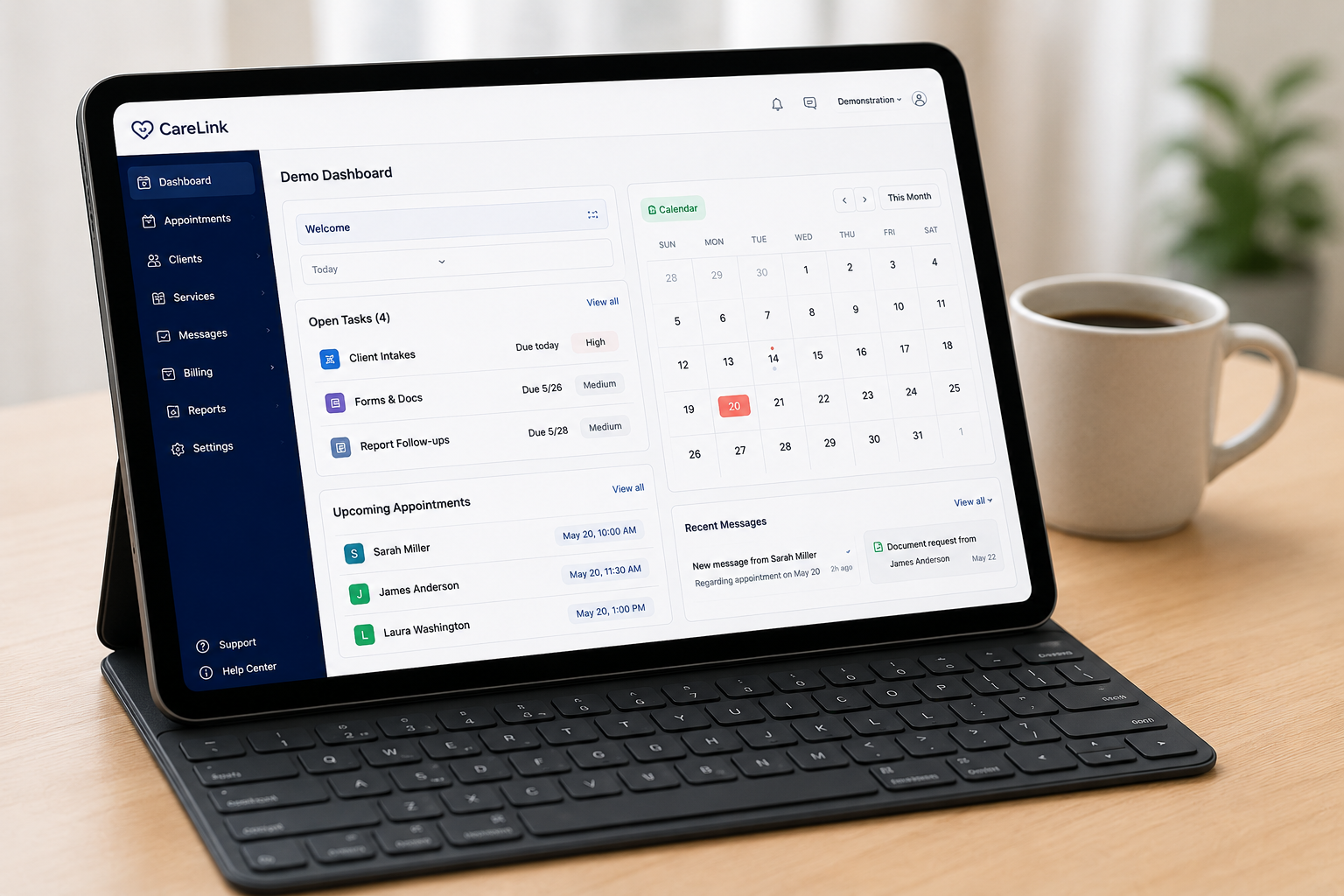
Built for daily provider workflow
See requests, service dates, messages, compliance tasks, and payout activity from one place.
What Happens After Approval
Once your profile is approved, families can find you.
After the required review steps are complete, your active provider profile can appear in search results. Families can review your services, check availability, and submit booking requests through the platform.
Families Search
Patients and families search active provider profiles by service category, availability, rating, and location.
Requests Arrive
A family can submit a request with service dates, time windows, and care needs for you to review.
You Confirm
You review the request, confirm availability, and approve or decline based on your schedule and services.
Payouts Are Tracked
Care-Linx helps track provider payout activity, adjustments, and booking-related payment details.